how-to
How to Set Up UniFi IoT VLAN Isolation, Step by Step
Create the UniFi IoT network, put it in its own firewall zone, bind a 2.4 GHz SSID and access ports, then fix…
Start with UniFi adoption failures when a device will not connect to its host. Use the PoE budget and switch planning guide to check device power requirements and switch capacity. Guides draw on Ubiquiti documentation and published specifications.
Why UniFi devices stall at pending, adopting, or adoption failed, which ports and VLAN paths break it, and the order to work through the fixes.
Read the article →Create the UniFi IoT network, put it in its own firewall zone, bind a 2.4 GHz SSID and access ports, then fix…
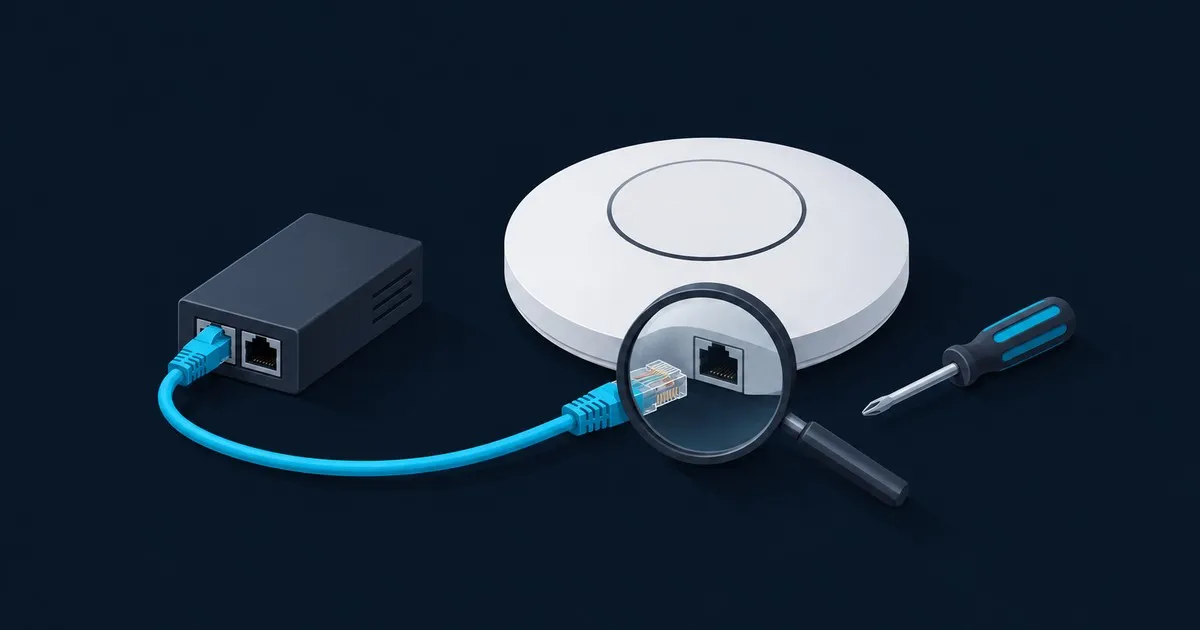
UniFi AP dark or boot-looping? Check PoE standard, port budget, cable pairs and injector wiring in order, the…
Plan a UniFi access point PoE budget from switch power limits, per-port compatibility, cable losses and headr…
How to pick a UniFi gateway, PoE switch, and access point for a home network, what order to buy them in, and …
Start with the fault you need to fix or the power budget you need to plan.
Read the adoption status, then check power, the management VLAN, host connectivity and previous ownership.
Check compatible powered ports, the shared PoE budget and headroom for the devices you plan to add.
Trace the controller, gateway, switch and AP roles before changing a network or adding hardware.